MANUAL / START HERE
Go live with a show you can trust.
ViXL is structured so the live state is deliberate. Create a reusable Scene, compose it in stable layers, pin that target to a Cue, then prepare it before you take it live.
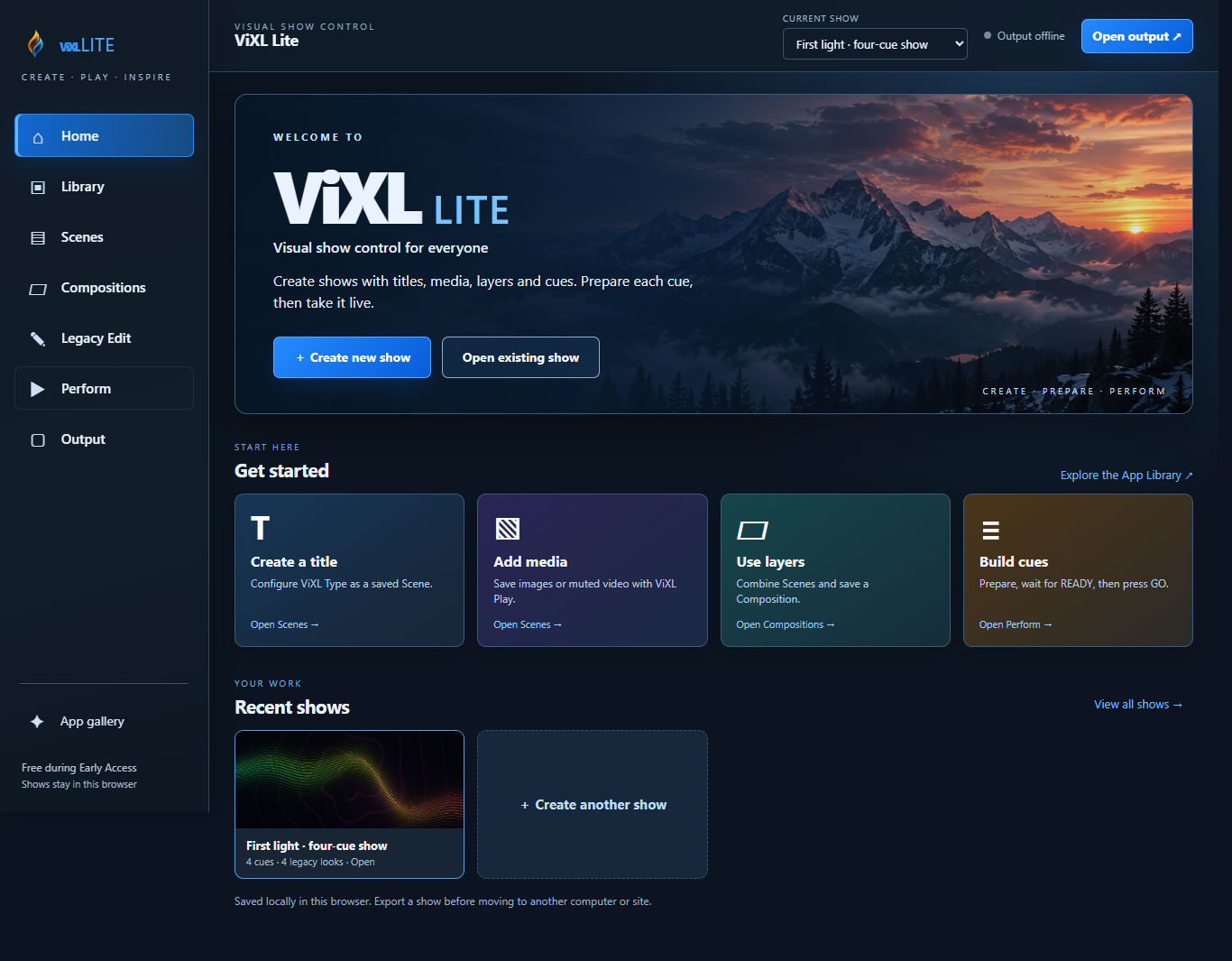
Your first show
- 1
Open or create a Show
A Show owns its saved work: Scenes, Compositions, Cues, media references, and persistent layer slots. Save early so the show has a stable identity.
- 2
Install an App and make a Scene
An App is a reusable capability. A Scene is one configured App instance with its own saved state. Configure the App, name the Scene, and save it.
- 3
Build a Composition
Add named layers, assign your saved Scenes, and choose their target actions. Layers retain stable identities across composition recall; the Composition holds their ordered target state.
- 4
Create a Cue
Pin a Composition to a Cue and set its transition behavior. Editing the Composition later should not silently change a pinned live Cue.
Prepare before GO
Selecting a Cue does not change Program. Preparation resolves the Cue’s target Composition and asks the system to load and warm what changed. Only take the Cue when the status is READY.
A Cut and a Dissolve are valid core transitions. A transition never makes an unprepared target safe; the target must be READY first.
The show objects
- App
- A versioned, reusable show capability. It can be content, interactive, control, information, processing, transition, output, utility/data, or more than one role.
- Scene
- One configured App instance with a stable identity and saved state. It does not own the global layer stack.
- Composition
- A self-contained target state: ordered named layers, Scene assignments, per-layer target actions, and related timing or transition data. “Preset” is the compatible product term for this target state.
- Cue
- A pinned Composition reference plus execution behavior, such as notes, hold, next action, and transition settings.
- Program
- The authoritative live composition. Preparing a future Cue must not mutate it.
- Output
- The audience destination controlled by the Core-owned Output Router. Apps do not route physical outputs or switch Program.
Readiness and safety
Heavy content must report its state, so an operator is not guessing when a visual is available. The baseline states are:
For each persistent layer, recalling a Composition reconciles current Program with the target. The action can be KEEP, UPDATE, REPLACE, CLEAR, or IGNORE. This avoids unnecessary reloads and protects costly live instances.
Output and recovery
Output owns audience destinations and reports their status. If preparation fails, maintain the known Program state rather than taking a partial target. Blackout and Restore are explicit emergency controls; use them as show actions, not as a substitute for preparation.