HELP / READINESS
Why is my Cue not READY?
A Cue cannot be taken until every required target dependency has loaded and warmed. Program should remain unchanged while you investigate.
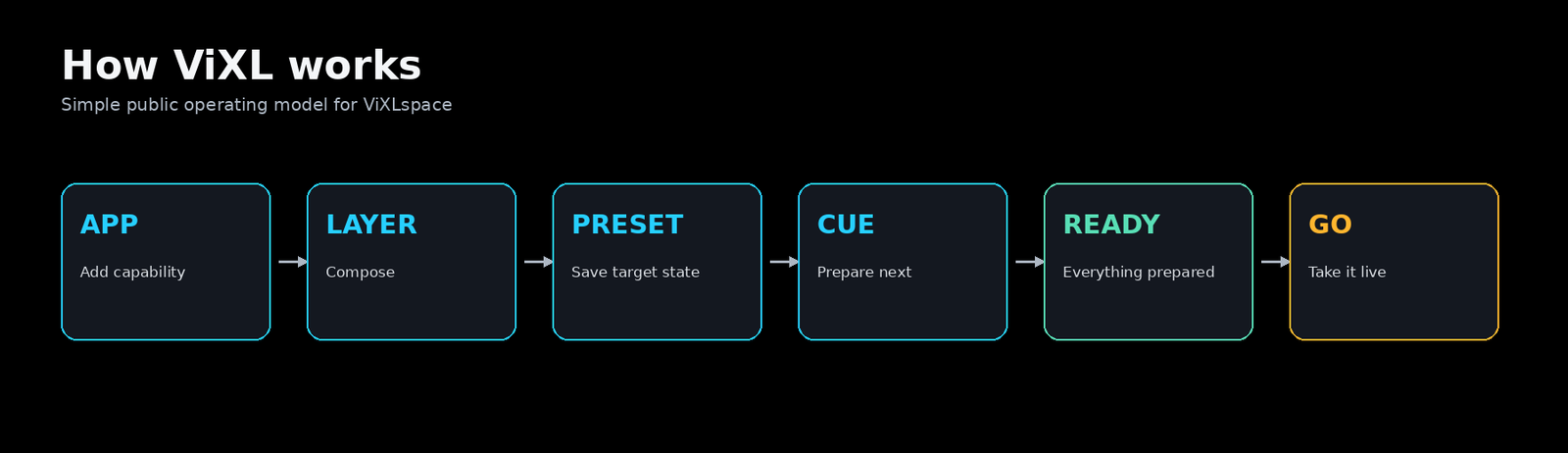
Check the visible state first
- Confirm the selected Cue points to the intended pinned Composition.
- Check each changed layer for UNLOADED, LOADING, WARMING, or ERROR.
- Resolve any missing App or referenced media asset explicitly.
- Prepare again and wait for READY before pressing GO.
Do not solve readiness by taking a partial target.
READY is the safe boundary between a candidate composition and a live take. If preparation has failed, retain the known Program state and fix the dependency rather than forcing the Cue live.