HELP / OUTPUT
Output is not showing.
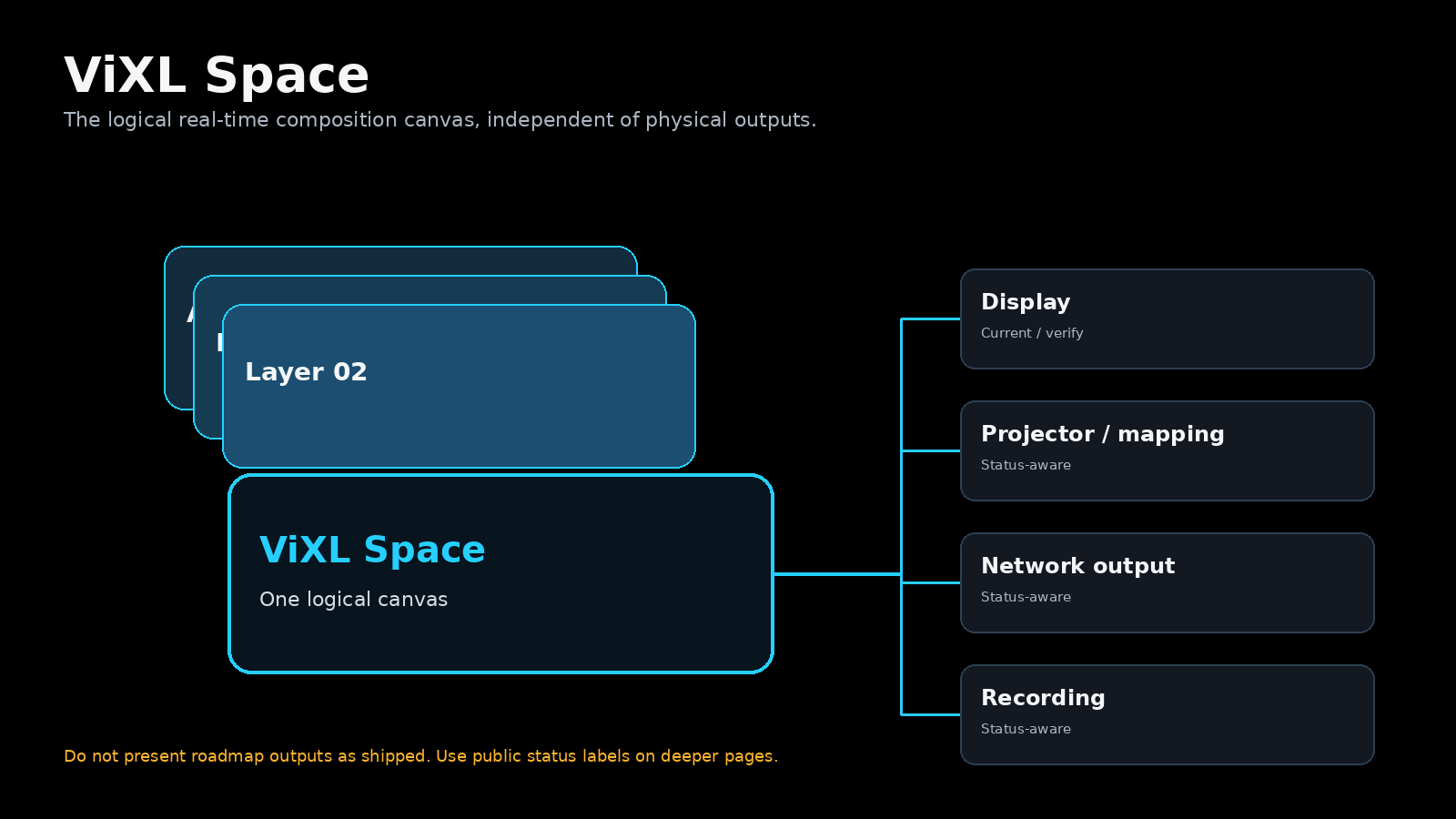
Start with the Output destination and its status; do not change Program simply to diagnose a destination problem.
Safe checks
- Confirm the Output is enabled and is configured for the intended destination.
- Confirm Program has the expected live composition.
- Check the display connection, fullscreen state, and browser/device environment required by the released build.
- Run a rehearsal on the actual audience display before relying on a new configuration.
Availability matters
Output capability is release-specific. A popup, requested configuration, or a browser-level view alone is not proof of a physical audience-output workflow. Verify the limitations and hardware evidence for your release.