DOCS / CORE WORKFLOW
Prepare. READY. GO.
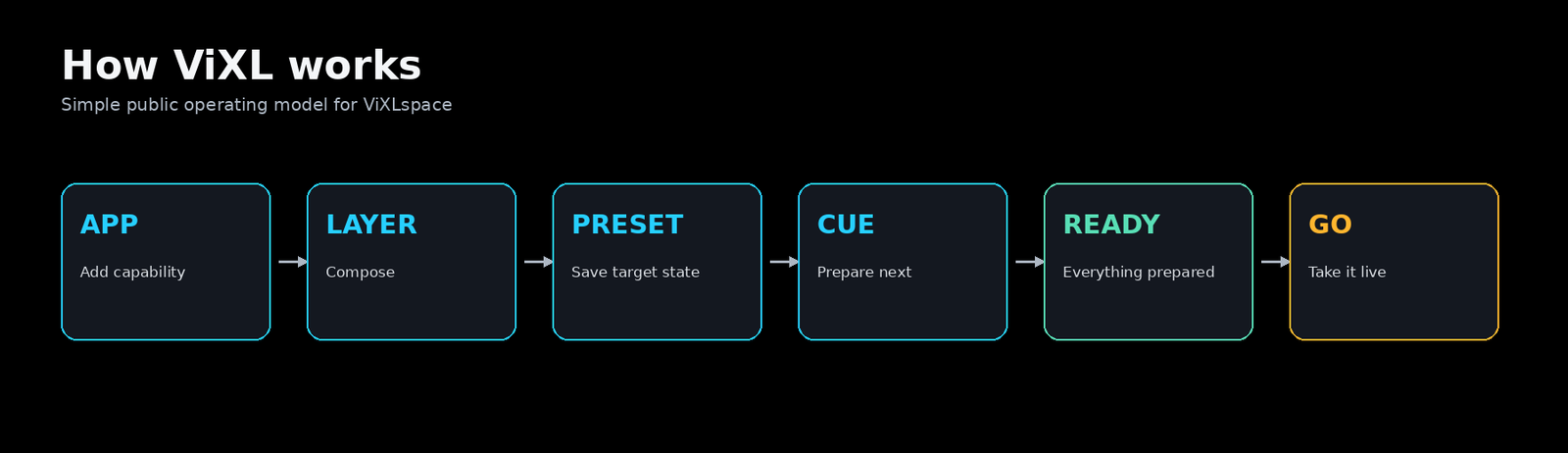
Selecting a Cue must not alter Program. Prepare resolves its target; GO takes it live only after required content is READY.
The sequence
- Select a Cue. Its pinned Composition defines a future target, not a live mutation.
- Prepare the target. Changed Apps and assets load and warm while known Program remains safe.
- Confirm READY. Readiness means required content has completed preparation.
- GO. Core applies the selected transition, then commits the target as Program.
Why READY matters
Heavy content may be UNLOADED, LOADING, WARMING, READY, or ERROR. A safe workflow does not bypass readiness; even a future Auto Take must wait for READY.
When preparation fails
Keep the known Program state. Resolve the missing App, media, or error state before taking the Cue. See the readiness guide for a focused troubleshooting path.